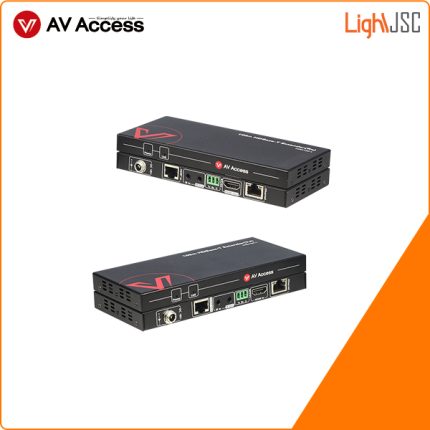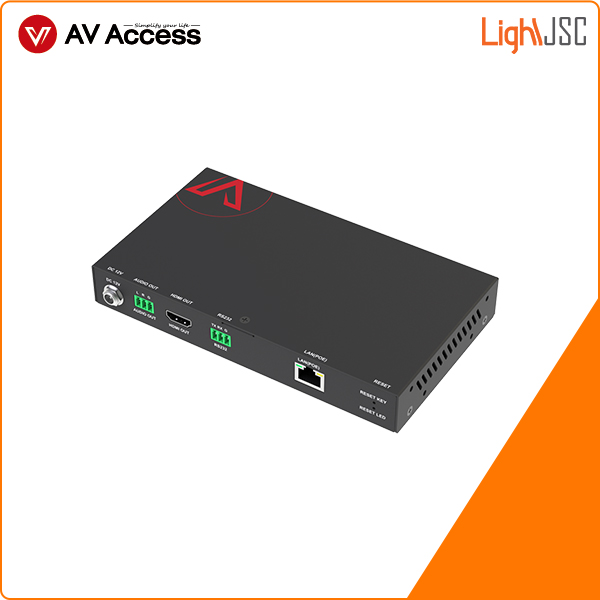
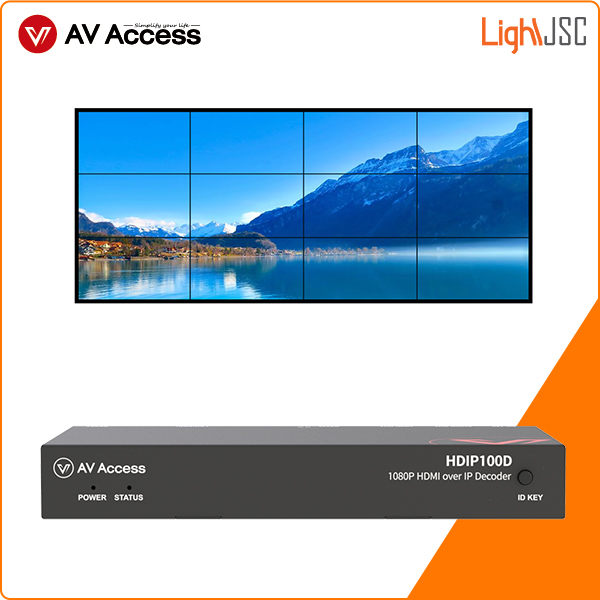
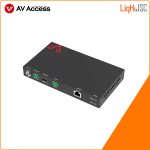
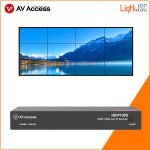
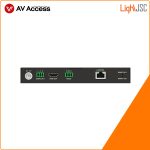

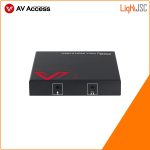
Thiết bị giải mã không cấu hình 1080 qua IP, kéo dài tín hiệu HDMI H.265 qua IP/ Video wall. AV Access HDIP100D
- Hỗ trợ video hiệu quả cao H.264 / H265 video codec, âm thanh stereo MPEG4-AAC và LPCM
- Quản lý bản xem trước dễ dàng: kéo và thả các nguồn vào màn hình mong muốn để kiểm soát trực quan
- Dễ dàng xây dựng ma trận IP hoặc video wall
- Bộ giải mã có bộ mở rộng tích hợp để chuyển đổi nhanh chóng và liền mạch
- Chuyển đổi nguồn video thông qua RS232
THE INDUSTRY’S FIRST & ONLY ZERO-CONFIGURATION AV OVER IP SOLUTION
HDIP100 is AV Access’s brand-new HDMI over IP solution featuring zero configuration. The HDMI encoder/decoder can work easily with any universal managed or unmanaged Ethernet switch on the market. It is easy-to-use and plug-n-play. Just install the VDirector App on your smartphone, tablet or computer, connect your device to a wireless router, then you can effortlessly build a distributed IP matrix system with video wall function.
With matrix switching, video wall support, easy visual control, H.265 codec, fast seamless switching and other amazing features, this HDMI over IP solution is ideal for wide applications like sports bar, restaurant, shopping mall, retail store, casino, school, etc.
Notes:
1. This IP decoder can’t be used alone; it must be used with one or more HDIP100E encoders for HDMI signal extending or switching.
2. For visual control on the VDirector App, you need to install an additional wireless router for signal transmission.
3. You must use an PoE switch if you want to supply power to the decoder.
Features of HDIP100D
- Works easily with an Ethernet switch, no need to configure; real plug and play solution
- Supports high-efficiency H.264/265 video codec
- Supports MPEG4-AAC and LPCM stereo audio
- Effortless preview management: drag-and-drop sources to the desired displays for visual control
- Easy to build an IP matrix or a video wall
- The decoder has a built-in scaler to achieve fast and seamless switching
-
- The RS232 route follows the switching of video source

No Configuration Required, Totally No-Brainer Solution
This HDMI over IP extender kit can work flawlessly with an unmanaged Ethernet switch, so you don’t need to spend so much time in configuring a managed switch that you usually adopted before for AV over IP solution. Whether you are an installer or end-user, you can effortlessly complete installation, even if you were not exposed to any IP knowledge before.
Minimum Cost, Best User Experience
 HDIP100 HDMI over IP extender kit supports point-to-point application, so only one pair of encoder and decoder can work together to transmit 1080P HD video signal up to 394ft/120m. You can also add up to 254 units of encoders or decoders to form a distributed IP matrix, which is far more flexible and cost-effective than traditional matrixes.
Note: HDIP100 is more cost efficient when you need irregular matrix switching like 3×7, 5×9 and 15×40 or when you need to build a matrix larger than 8×8.
Compatible with Various Devices
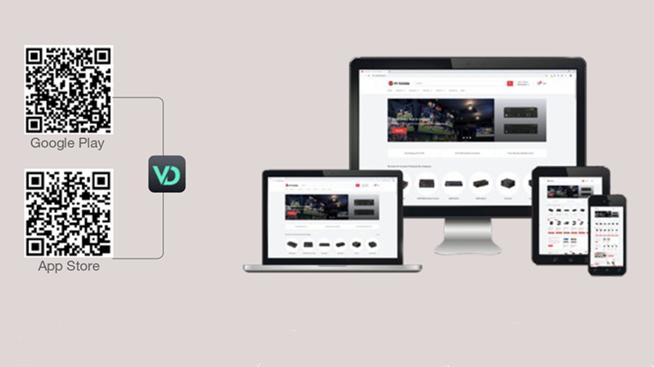
You can install “VDirector” App on your mobile devices for visual control, including iPhone and iPad, Android smartphone and tablet, Windows PC and tablet, etc. Besides, HDIP100 supports RS232 control passing through a 3rd party device like a projector. It can also be integrated into a 3rd party control system like Crestron.
Note: For the visual control app, you can input and search “VDirector” in App Store or Google Play to install the iOS/Android version. You can also scan the QR code in the user manual to download.
Easy Visual Control on Your Palms
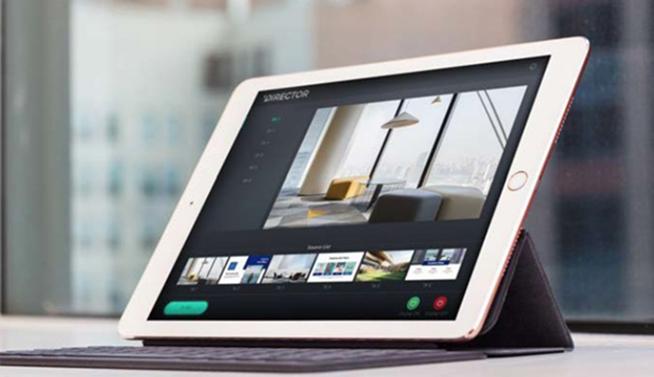 With the visualized and user-friendly VDirector App, you can perform the settings below:
- Preview all sources and preset different scenarios;
- Switch any source to any or all displays;
- Drag-and-drop to perform matrix switching;
- Create/Delete a video wall up to 8×8 within 15 seconds;
- Enable CEC function to turn on/off all connected displays.
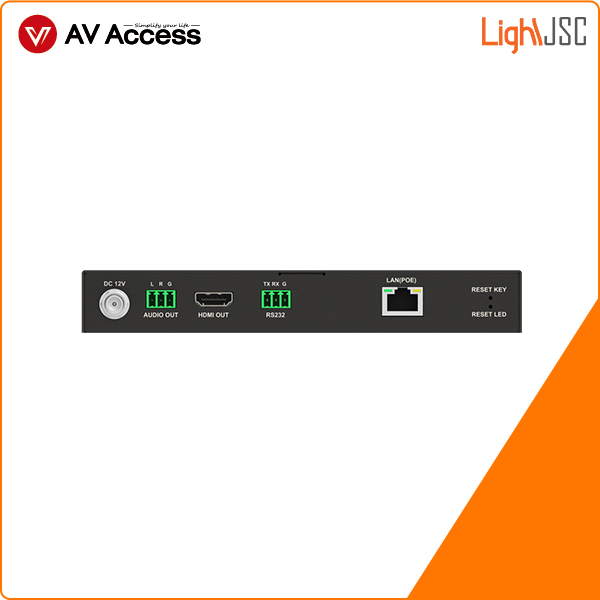
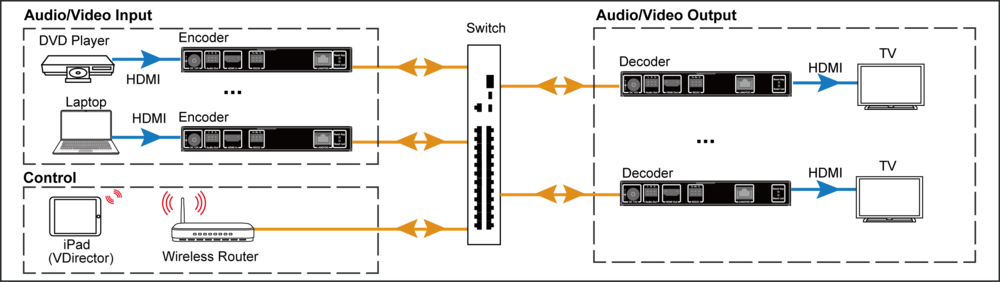
Diagram of HDIP100E
Specifications of HDIP100E
Video Input Port 1xHDMI
Supported Input Resolution HDMI 1.4b Output Port 480i@30hz, 640 x 480@60Hz, 480p@60Hz, 576i@25Hz, 576i@50Hz, 576P@50Hz, 800 x 600@60Hz, 1024 x 768@60Hz, 720 x 576@60Hz, 720p@50Hz, 720p@60Hz, 1280 x 800@60Hz, 1280 x 1024@60Hz, 1360 x 768@60Hz, 1366 x 768@60Hz, 1400 x 1050@60Hz, 1440 x 900@60Hz, 1680 x 1050@60Hz, 1920 x 540@60Hz, 1080i@25Hz, 1080i@30hz, 1080i@50Hz, 1080i@60Hz, 1080p@50Hz, 1080p@60Hz, 1920 x 1200@60hz
Supported Output Resolution 1xLAN Supported Output Resolution up to 1080p@60Hz Video Protocol H.265 Video Compression Audio Input Port 1xHDMI
Output Port
1xStereo Supported Format MPEG4-AAC and LPCM stereo Others RS232 1xRS232
Indicator Light 1xPower, 1xStatus, 1xReset LED Key 1xReset Key Power Supply Mode
Independent Power Supply / PoE Power Supply Power Supply
DC12V 1A Device Dimension L175*W100*H25 mm Control Control Method
Control via the Visual Director app on an iPad